Nexter Extension

One-Click Enable WordPress Debug Mode

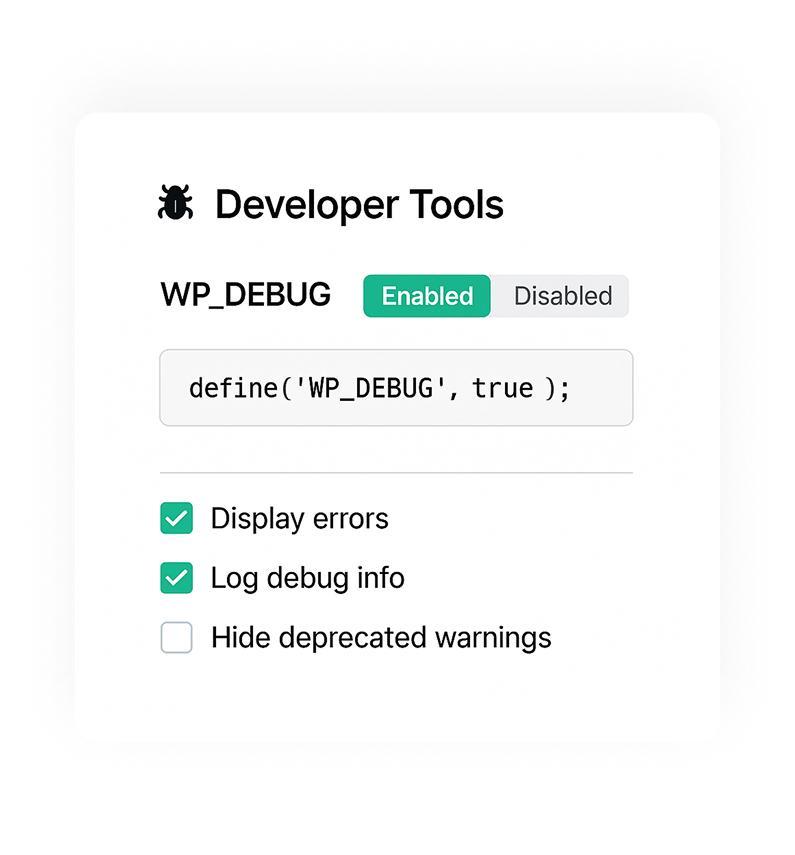
WP Debug Mode: Developer Mode toggle to enable WP_DEBUG, show PHP errors, and write debug.log without editing wp-config.php.

stylist icon

Turn WP_DEBUG On or Off Instantly

stylist icon

View Errors Without Touching wp-config.php

stylist icon

Safe Debugging for Live Sites

credit-card 1

No Credit Card Required

credit-card 1

No Credit Card Required

Creative Image

Why Should You Use Developer Mode in WordPress?

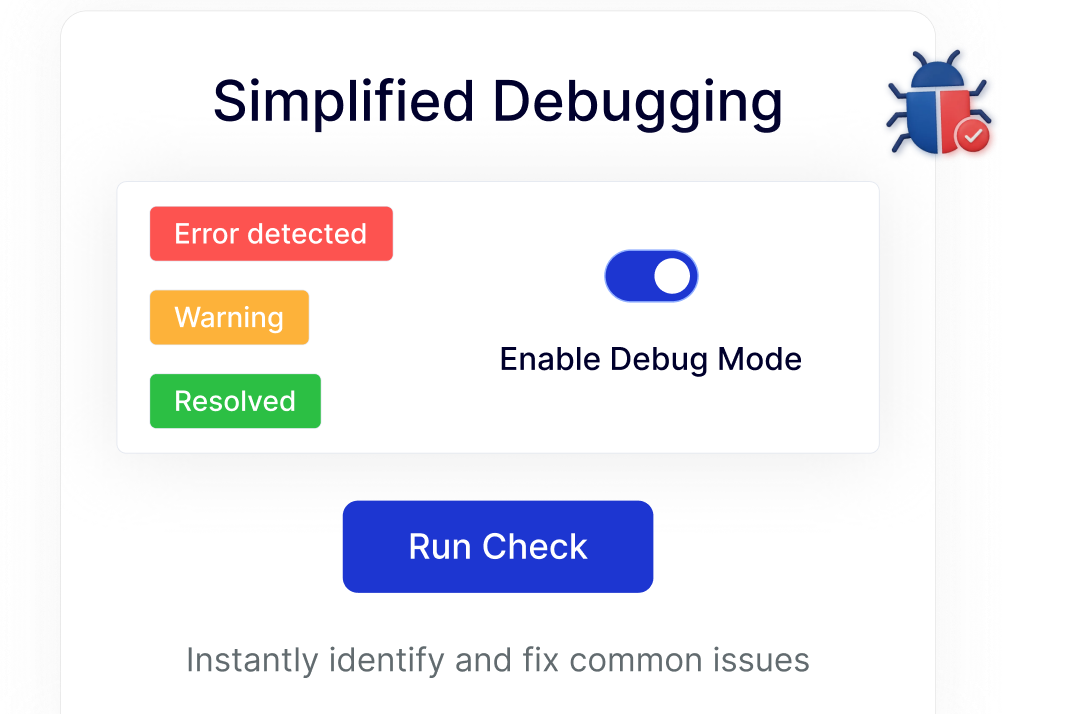
Enable WordPress Debug Mode in One Click

Quickly turn WP_DEBUG on or off from the dashboard. This keeps debugging simple and avoids manual configuration steps.
simplified debugging

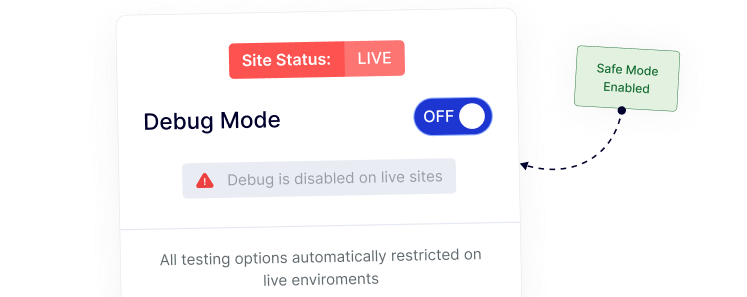
Safe Debugging Controls for Live Sites

Manage debug mode responsibly by keeping it disabled on production sites, helping maintain a clean experience for visitors.
safe testing

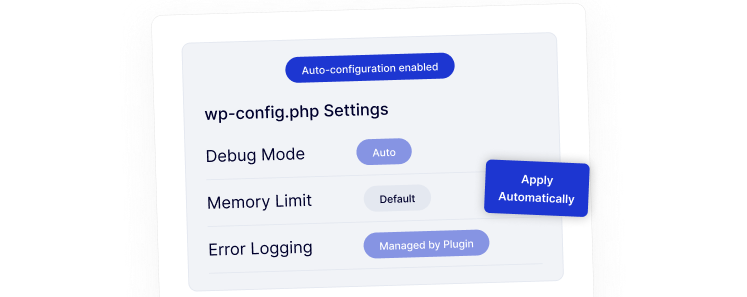
Configure wp-config Settings Automatically

No need to manually edit wp-config.php.
time saving new

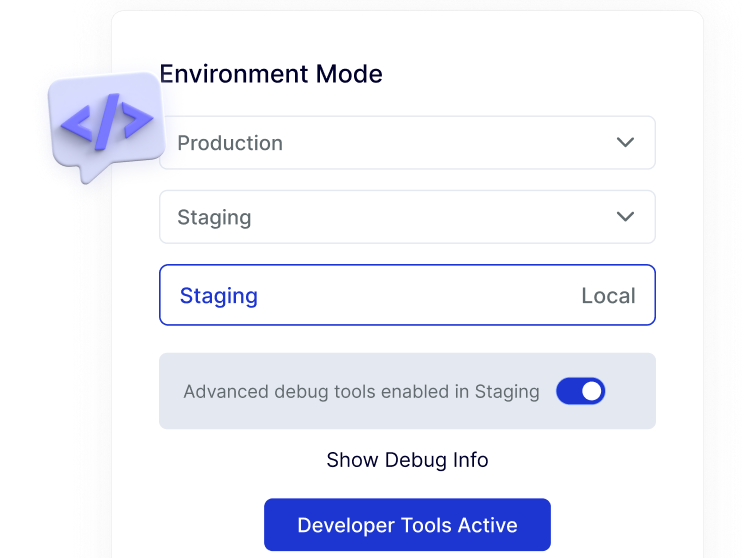
Developer-Friendly Workflow for Staging and Local Sites

Switch debug mode on for staging or local environments with ease, fitting naturally into common WordPress development workflows.
developer friendly

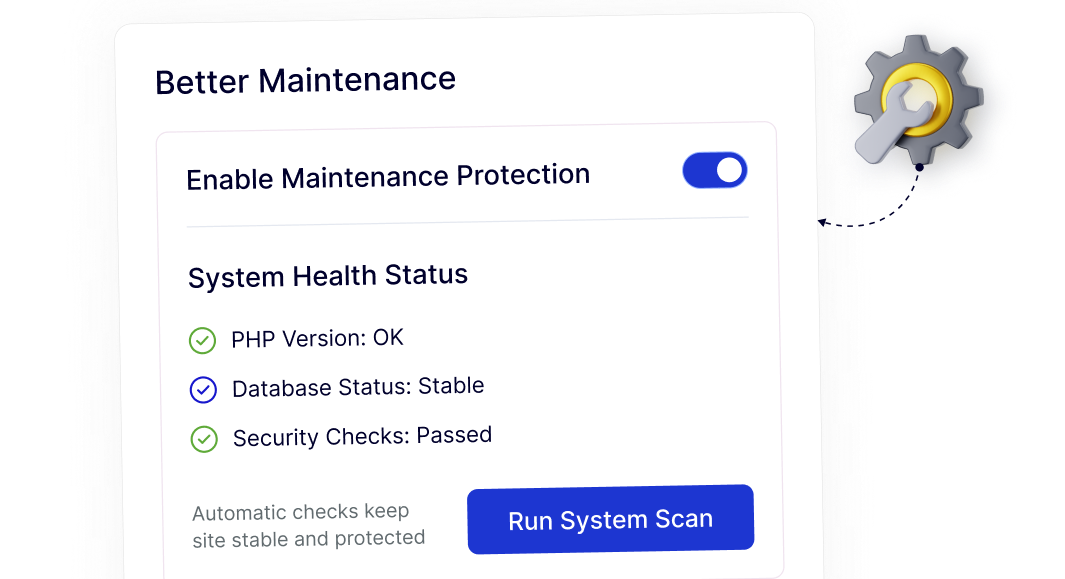
Cleaner Maintenance With Controlled Debug Settings

Centralized debug controls help keep your site organized over time, reducing overlooked settings and simplifying ongoing maintenance.

better maintenance

Frequently Asked Questions

WP Debug Mode helps identify PHP errors, warnings, and notices so you can troubleshoot plugin, theme, or custom code issues during development.
By default, yes. Nexter Extension removes that step by letting you toggle WP_DEBUG directly from the WordPress dashboard.
Debug mode should not be active on live sites because it can expose errors publicly. Nexter helps prevent this by disabling debug mode on production environments.
Yes. A one-click toggle reduces the risk of syntax errors or misconfigured files, making debugging safer for beginners.
Normally, users install small plugins for tasks like this. Nexter Extension includes debug mode as one module, reducing plugin clutter.
Yes. Agencies save time by enabling or disabling debug mode quickly across staging and local environments without manual file changes.

More Extensions from Nexter

1000+ Pre-Designed Websites
Templates & Sections

View 1000+ WordPress Templates & Sections